How I teach
Every lesson is one-on-one with me, live on video. Afterwards you get comprehensive notes in your own language and your new vocabulary loaded into your practice app — so the week in between never undoes what we accomplished.
The trial lesson is 25 minutes, and if you continue it counts toward your first month.
The 3-phase weekly rhythm
Most independent learners stall because what was learned in a lesson evaporates within 48 hours. Here is how we ensure nothing slips away:
Live 1-on-1 Lesson
30 or 60 minutes dedicated entirely to your objective. We read, talk, analyze roots, and immediately untangle where your comprehension hits friction.
Custom Notes & Audio
Within 24 hours, you receive a full digest written in your native language with clear explanations, sound files of tricky words, and relevant cultural context.
10 Minutes/Day App
Your words automatically feed your personal practice app. Daily spaced repetition (FSRS), Nikud removal drills, and root exploration lock knowledge into long-term memory.
In the lesson
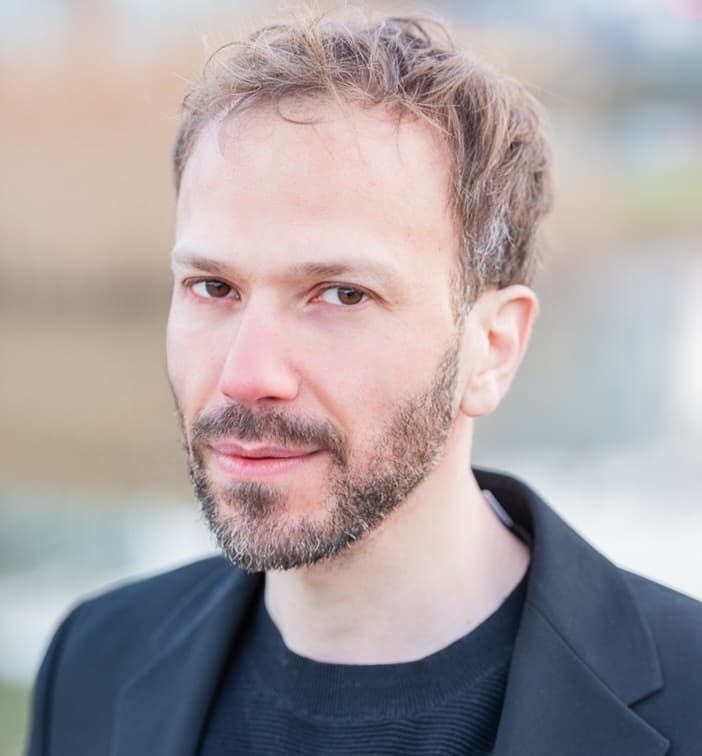
We start from why you're learning. Following the conversation at a family dinner, reading the Torah portion you've chanted for years, your grandmother's letters, a page of Gemara: each of those needs a different lesson, and I plan yours around it.
I grew up in Jerusalem. Hebrew and Yiddish are both native to me: Yiddish is the language of my home, Hebrew the language I grew up speaking, and Biblical Hebrew and Aramaic are the languages of my Torah and Talmud study. A question about one of them often leads into another, and I can follow you there.
We talk and we read. When something doesn't land, I stop and come at it from another side instead of pushing on with a rigid script.
After the lesson
An email arrives in your own language, and everything in it stays in your account:
- notes on what we covered
- the new words, as flashcards with audio
- a few short conversations built from what we practised
- homework, usually something to write or to record
- now and then a printable handout, or a song or video that goes with the lesson
If you do one thing between lessons, make it ten minutes of flashcards a day. That does more for the next lesson than an hour of cramming the night before.
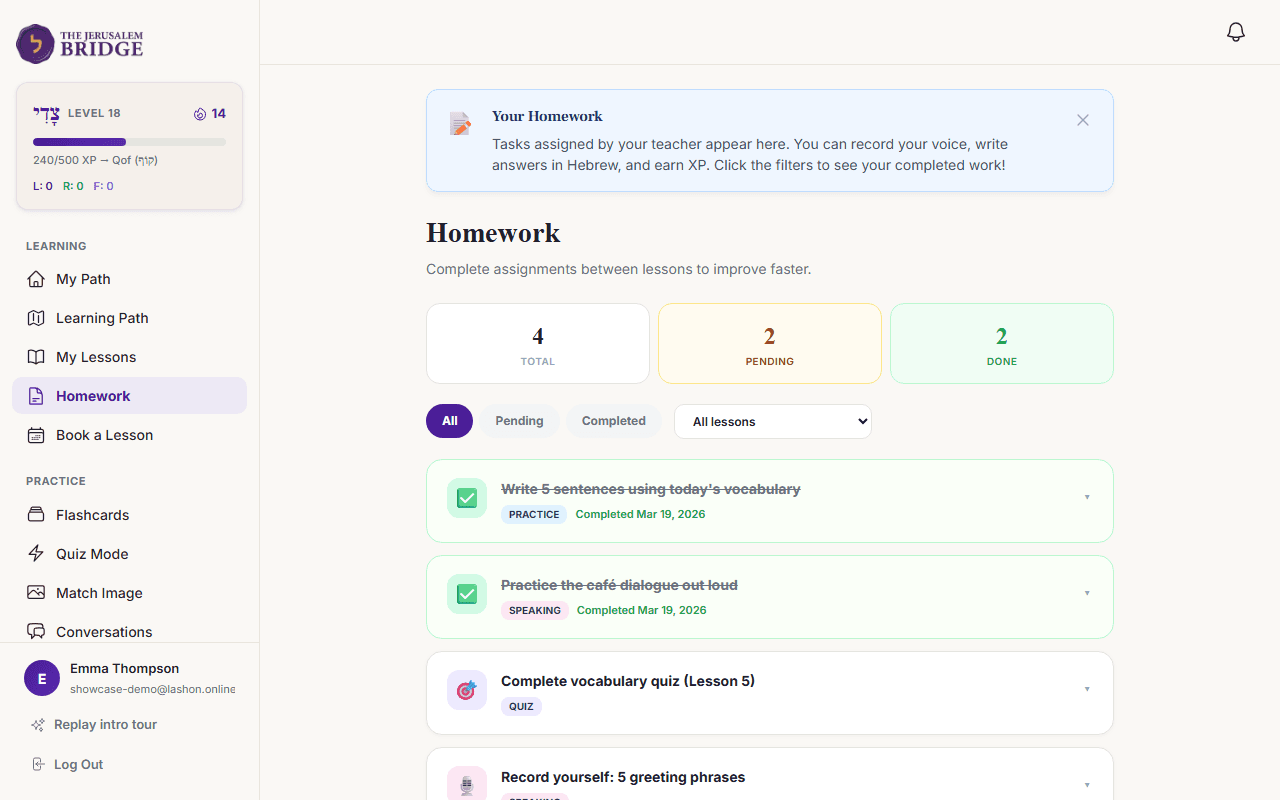
Between lessons: The practice app
I built the practice side of this site for my own students. It works directly from the vocabulary and themes of our lessons, so what you review is what you actually need.
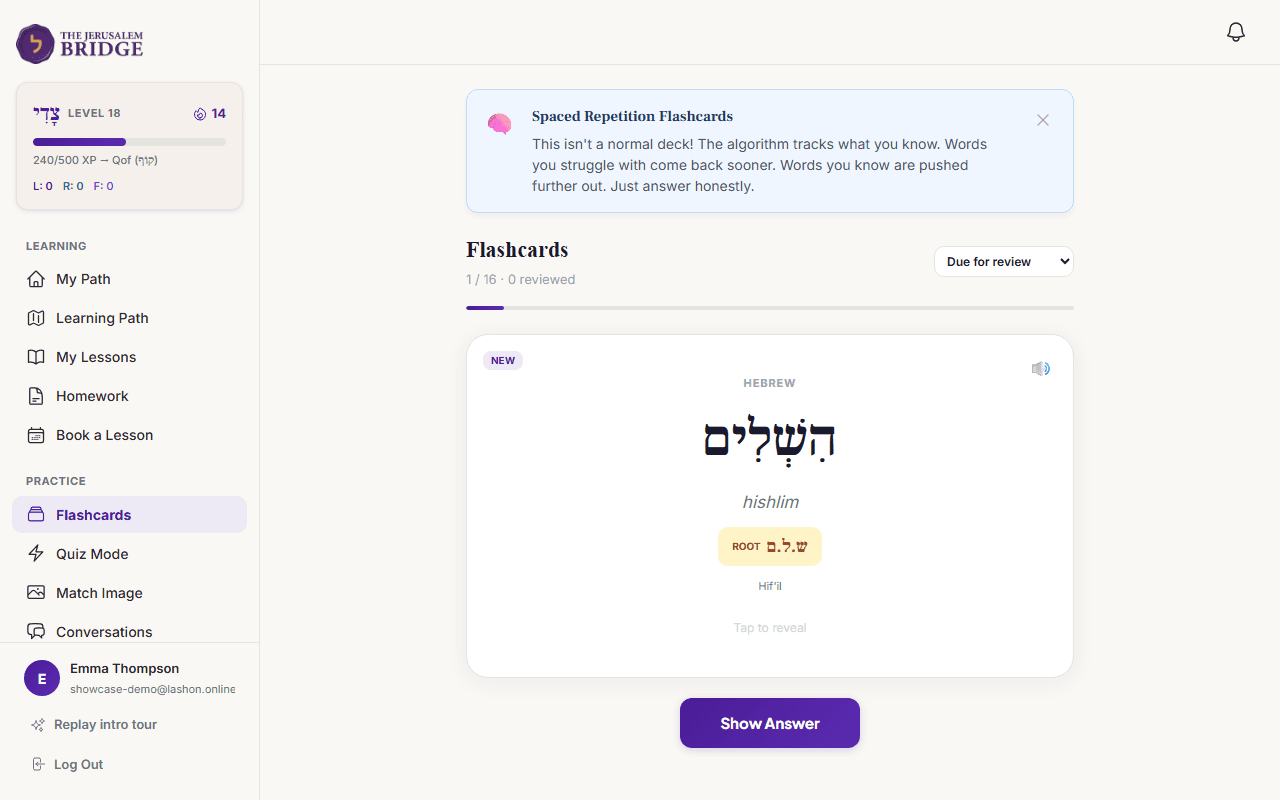
FSRS Spaced Repetition Flashcards
Active RecallEvery word we cover in our lesson is turned into an audio-equipped flashcard in your personal deck. Cards you hesitate on reappear soon; words you master space out automatically based on proven cognitive science.
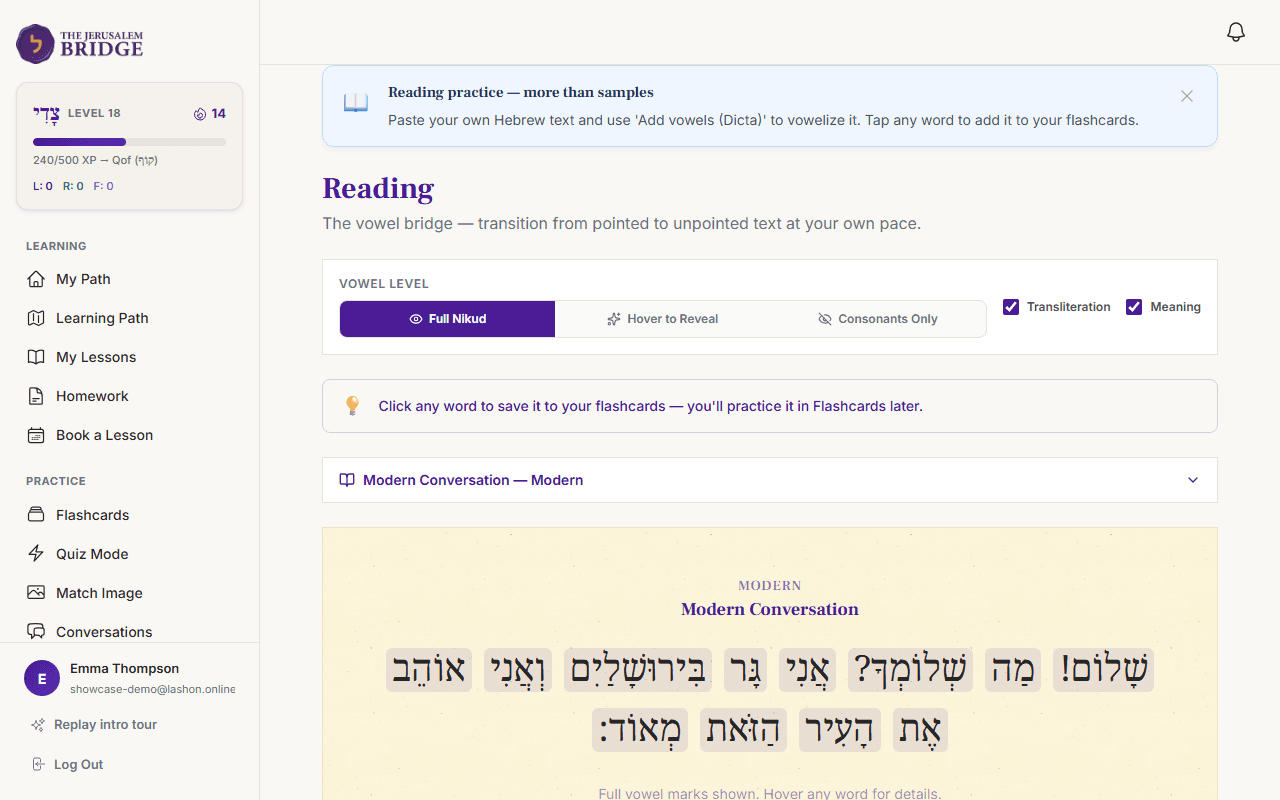
Graduated Nikud Reader
Vowel ScaffoldingMost Hebrew learners hit an intimidating wall the moment vowels disappear. Here you read in three stages: full vowels, vowels only on hover, and pure consonants. Tap any unfamiliar word to send it straight to your cards.
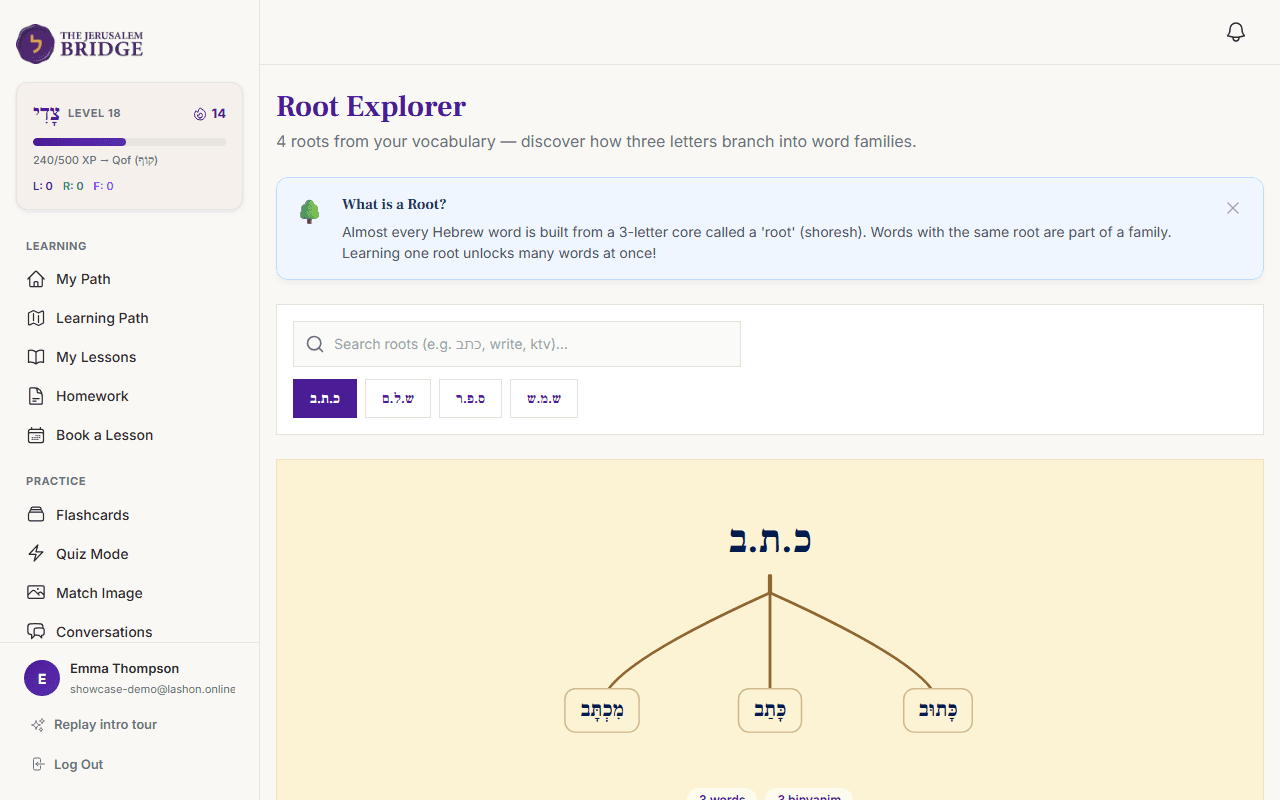
400+ Dynamic Root Explorer
Shoresh ArchitectureSemitic vocabulary multiplies through roots. Instead of memorizing isolated words, our Root Explorer groups every word you meet under its three-letter root, showing how כָּתַב (he wrote), מִכְתָּב (letter), and כָּתוּב (written) branch from כ.ת.ב.
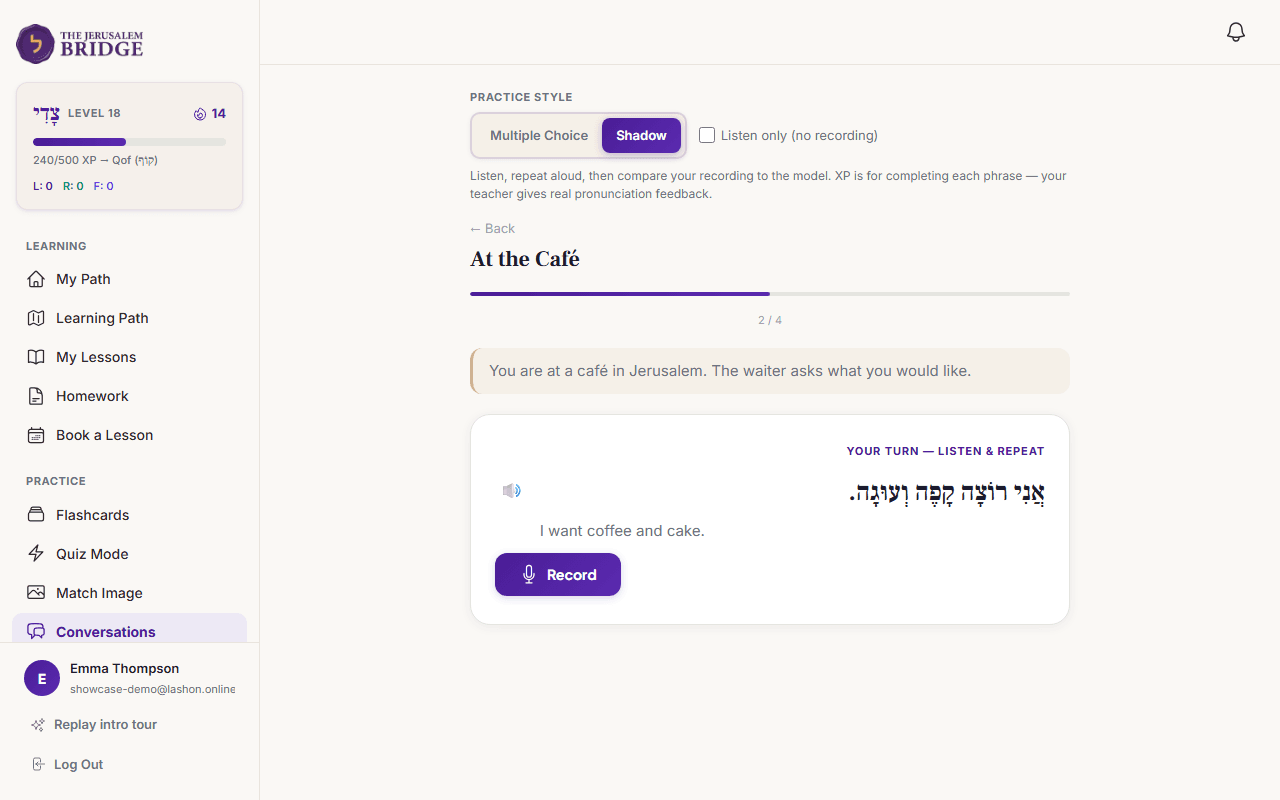
Interactive Speaking Practice
Active ProductionMicro-dialogues lifted straight from our lessons — like ordering in a café or greeting family on Shabbat. Listen to authentic native recordings, repeat out loud, record yourself, and build natural fluency before the next session.
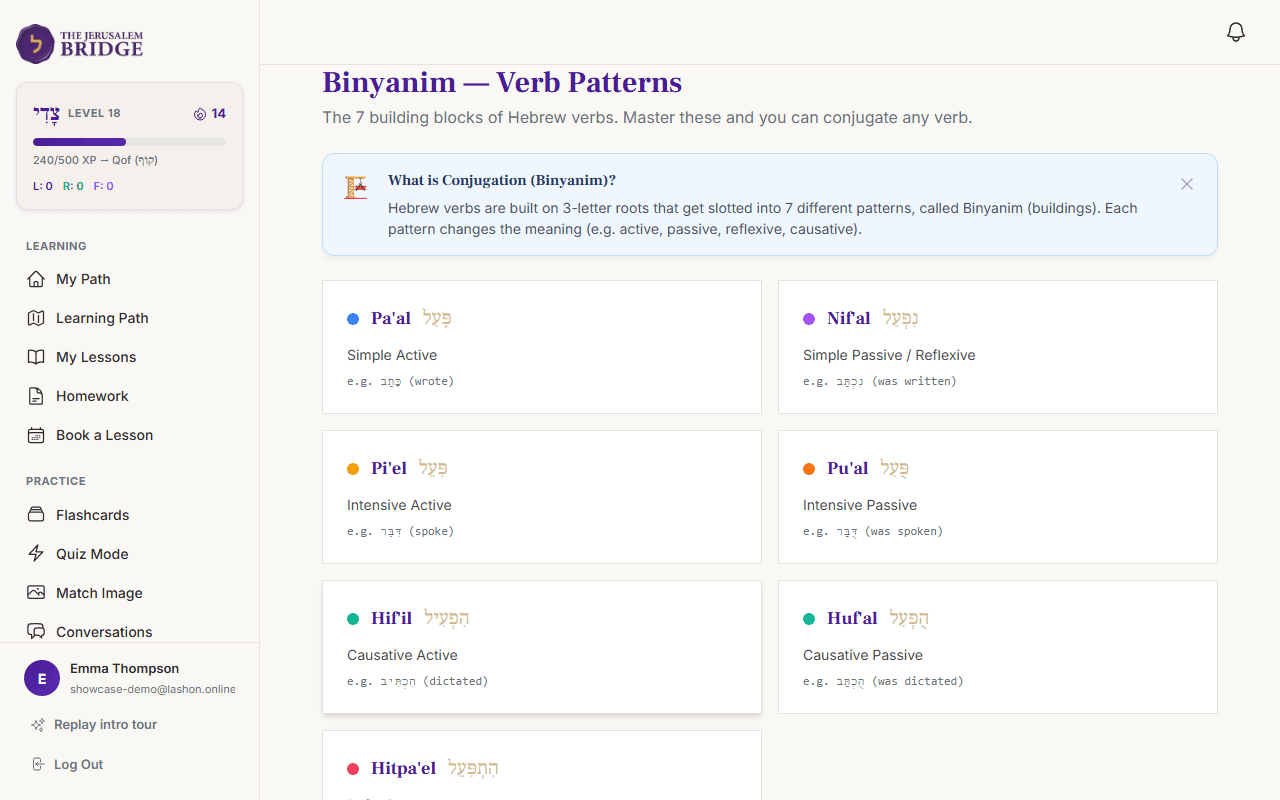
Binyanim Verb Conjugator
Pattern IsolationInteractive drills for the seven Hebrew verb templates. The root letters stay highlighted in an accent colour separate from the prefixes and suffixes, so the underlying grammatical logic becomes second nature.
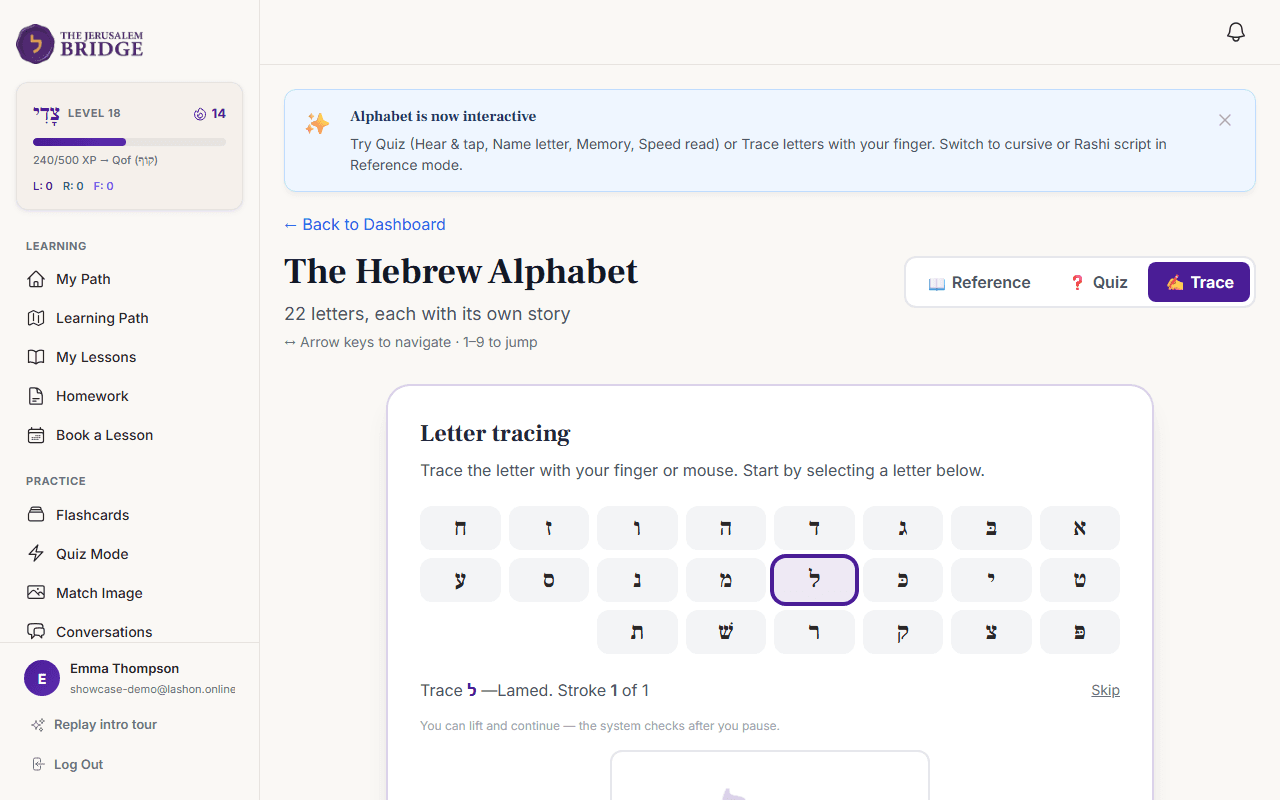
Alef-Bet & Script Tracing
FoundationFor true beginners: tactile letter tracing with finger or mouse, paired with native pronunciation for every letter and vowel point. Switches dynamically to the Yiddish alef-beys on the Yiddish track.
There's also a quiz and an image-matching game made from your words, for the days flashcards feel like a chore.
The four languages I teach
Modern Hebrew
עִבְרִיתLiving, spoken Hebrew for daily life, family conversations, and visiting Israel.
Biblical Hebrew
לְשׁוֹן הַקֹּדֶשׁThe Tanakh in the original, from sounding out your first verse to reading a chapter on your own.
Yiddish
ייִדישFor heritage letters in the family archive and authentic conversations with living native speakers.
Aramaic
אֲרָמִיתFor Gemara and the Zohar. The linguistic bridge of traditional Talmud study.
Questions
Do I have to use the practice side?
No, and some students prefer only live conversation. Ten minutes a day with your flashcards will make each subsequent lesson substantially easier, though, because you arrive remembering the previous one instead of rebuilding it.
How long until I can read without vowels?
That depends more on how much you read between lessons than on anything I could promise you. What helps is taking the vowels away a little at a time instead of all at once, which is what the graduated Nikud reader is specifically designed for.
I’ve tried Duolingo. What’s different?
An app can drill vocabulary, but it can’t notice why you’re stuck, clarify cultural nuance, or adapt to your specific text. Duolingo also doesn’t teach Biblical Hebrew, Talmudic Aramaic, or authentic Yiddish dialects.
What if I need to move a lesson?
You move it yourself directly from your student dashboard. Pick an open slot and the lesson moves on both our calendars automatically, and I get a notification.
What language do you teach in?
English or French. The notes after each lesson come in your own language: English, French, Spanish, German or Russian.
Does it work on a phone?
Yes. Everything runs seamlessly in your phone’s browser, and there is also an Android app available. Get the Android app
Do you offer scholarships?
Yes. I believe financial barriers should never prevent a motivated student from connecting with their heritage or sacred texts. I reserve sponsored scholarship places for students who need them. Apply for a scholarship place
Start with a trial lesson
We'll spend thirty minutes finding out where you are and what you want from the language, and you'll see whether the way I teach suits you.
Book a trial lessonNeed a scholarship?
Financial barriers should never stand in the way of learning your heritage, reading sacred texts, or reconnecting with family roots. I reserve sponsored scholarship places for dedicated students, and offer eight-week small group cohorts.